
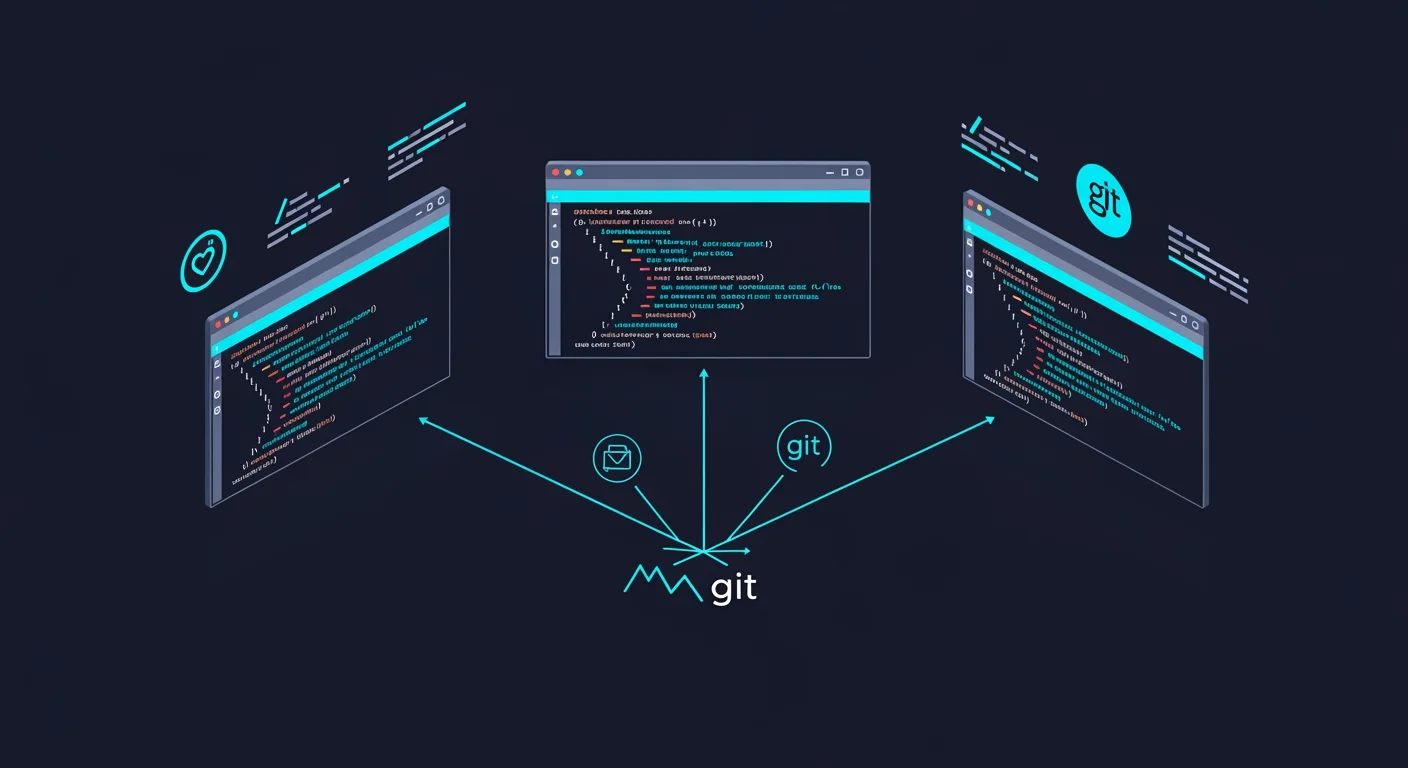
Saturday morning. One Claude Code Desktop instance. Three AI sessions running in parallel.
I gave each session a different task and watched them work simultaneously.
Saturday, 10:00 AM: Empty repository.
Saturday, 12:30 PM: Live site at worx.maxzilla.nl
What got built in 150 minutes:
- Landing page with dark mode and animations
- Dashboard with bloodwork visualizations
- AI analysis backend (Anthropic Claude integration)
- 153 tests (100% passing)
- CI/CD pipeline with GitHub Actions
- Docker deployment on ARM64
- SEO metadata and security headers
100% AI-written. Zero manual code.
One AI agent implemented a feature another agent was already building. They conflicted.
The AI that owned the pull request resolved the merge conflict itself.
I thought I was orchestrating AI.
Actually, I was watching AI orchestrate itself.
What I Expected: Manual Git Worktree Management
Git worktrees let you check out multiple branches simultaneously in different directories. Each directory is a full working copy.
I thought I'd need to manually create them:
# What I expected to do:
git worktree add ../worx-frontend -b frontend-dev
git worktree add ../worx-backend -b backend-dev
git worktree add ../worx-cicd -b infra-dev

# Launch AI sessions in each directory
cd ../worx-frontend && claude
cd ../worx-backend && claude
cd ../worx-cicd && claude
Then orchestrate three AI sessions, manage their conflicts, merge their work.
That's not what happened.
What Actually Happened: Claude Code Desktop Managed Everything
I opened Claude Code Desktop and started three sessions. Each session got its own prompt.
Worktrees were already enabled. I didn't configure anything. Claude Code Desktop handled it automatically.
Session 1 prompt: "Build a landing page with dark mode toggle, hero section, feature cards, and testimonials carousel. Use Tailwind CSS and Framer Motion for animations. Professional medical tech aesthetic."
Claude Code automatically created a git worktree, checked out a new branch (claude/infallible-leakey), and started working.
The frontend agent previewed each page it built. It took screenshots. It validated the styling matched the prompt. All automatically.
I didn't open a browser. Claude Code Desktop previewed its own work.
Session 2 prompt: "Implement POST /api/analyze endpoint that accepts bloodwork data and returns AI-generated health insights using Anthropic Claude. Use Zod for validation, comprehensive error handling, and write full test coverage."
Second session. Second worktree. Second branch (claude/quirky-sutherland). Working in parallel.
Session 3 prompt: "Create GitHub Actions workflow with three stages: test suite, Docker build for linux/arm64, and deployment to Hetzner VPS. Include security scanning and automated rollback on failure."
Third session. Third worktree (claude/silly-jemison). All three running simultaneously.
I didn't run a single git command. Claude Code Desktop managed all three worktrees automatically.
The Development Timeline
- 10:00 AM - Opened Claude Code Desktop, started three sessions
- 10:03 AM - Claude Code created three worktrees automatically
- 10:15 AM - Gave each session its prompt
- 10:30 AM - Frontend agent previewing pages, taking screenshots, validating styling
- 11:00 AM - First features complete across all three branches
- 11:15 AM - Conflict detected: Frontend agent implemented video optimization that backend agent was also building
- 11:20 AM - Asked the frontend agent: "You have merge conflicts with the backend branch. Resolve them."
- 11:25 AM - AI resolved conflicts, updated its PR
- 11:45 AM - Second development wave (dashboard UI, test suite expansion)
- 12:20 PM - All branches merged to main
- 12:30 PM - Deployed to production
Total: 2 hours 30 minutes
The Evidence: What Actually Got Built
Source code: github.com/maxzillabong/worx
Repository Stats
- Commits: 8 merged PRs from three parallel branches
- Tests: 153 (utils: 17, validation: 18, store: 17, api-error: 14, ai-analysis: 43, route: 15, components: 29)
- Test pass rate: 100%
- Code added: 4,000+ lines across frontend, backend, infrastructure
- TypeScript strict mode: Enabled, zero errors
- Live demo: worx.maxzilla.nl
Technical Stack (AI-Selected)
- Next.js 15 with App Router
- TypeScript strict mode
- Tailwind CSS + Shadcn UI
- Zod for validation
- Zustand for state management
- Anthropic Claude Sonnet 4 for AI analysis
- Vitest for testing
- GitHub Actions for CI/CD
- Docker for deployment
What Works
- Landing page loads in <1s with animations
- Dashboard displays mock bloodwork data with visualizations
- AI analysis endpoint (stub implementation, ready for API key)
- All 153 tests pass
- TypeScript builds without errors
- Security headers configured (HSTS, CSP, X-Frame-Options)
- SEO metadata complete (robots.txt, sitemap.xml, OpenGraph)
- Auto-deployment on push to main
What Does Not Work
- No authentication (planned for Phase 2)
- No database (uses in-memory Map storage)
- Mock data only (MOCK_BLOODWORK constant)
- AI analysis needs API key to run (stub returns 501)
- Single-tenant design (no user accounts)
This is a demo-worthy prototype, not a production application. But the code quality is production-grade.
The Conflict: When AI Agents Collide
Around 11:15 AM, I tried to merge the frontend branch.
Git rejected it. Merge conflict.
The frontend agent had implemented hero video optimization (ffmpeg compression, lazy loading, format conversion).
The backend agent had ALSO implemented video optimization as part of the API response caching layer.
Both modified the same configuration files. Both added similar utility functions. Conflict.
My response: I opened the frontend Claude Code session and said: "You have merge conflicts with the main branch. The backend agent implemented overlapping video optimization. Resolve the conflicts - keep your implementation for frontend concerns, defer to backend for API-level caching."
AI response:
- Analyzed the conflicting files
- Identified which changes were frontend vs backend concerns
- Kept frontend optimizations (ffmpeg, lazy loading)
- Removed duplicate API caching logic (deferred to backend)
- Updated the PR with resolved conflicts
- Re-ran tests (all passed)
Zero manual conflict resolution. I described the problem. AI fixed it.
The Verdict: Automatic Orchestration
What I Expected
Manual git worktree setup and three-way merge coordination.
What Actually Happened
Claude Code Desktop was:
- Managing worktree creation automatically (default behavior)
- Isolating AI agent contexts across branches
- Enabling parallel execution without manual setup
- Providing conflict resolution capabilities when agents collided
The orchestration was already built in.
Traditional Solo Development Estimate
- Landing page design + implementation: 8 hours
- Dashboard with visualizations: 12 hours
- AI integration with tests: 8 hours
- CI/CD pipeline setup: 4 hours
- Docker deployment: 4 hours
- SEO and security: 2 hours
- Total: ~38 hours (5 work days)
Actual time with Claude Code Desktop: 2.5 hours
Speed improvement: significantly faster
Why It Was Faster
1. Automatic parallel execution
Three AI agents working simultaneously. No manual worktree setup. Claude Code handles it.
2. AI implementation speed
Claude writes boilerplate, tests, and configuration much faster than humans.
3. Zero context switching
Each session maintains its own worktree. No mental overhead. No git branch gymnastics.
4. Conflict resolution by AI
When agents collided, the AI resolved its own merge conflicts when prompted.
What This Is NOT Good For
- Novel algorithms or research - AI pattern-matches from training data. It does not innovate.
- Tightly coupled systems - Parallel sessions work best on independent concerns. Monolithic architectures create constant conflicts.
- Complex business logic requiring deep domain knowledge - AI can implement logic you specify, but cannot design the logic itself.
- Zero-bug guarantees - The AI made mistakes. It over-engineered simple features. Tests caught most issues, not all.
The Honest Reality
The AI made mistakes:
- Over-engineered a video player (environment variable for a static file)
- Implemented duplicate features (causing the merge conflict)
- Forgot edge case validation in API routes
- Required human judgment on architecture decisions
And it was still significantly faster than writing everything manually.
The mistakes cost 30 minutes of prompting fixes.
The automation saved 35+ hours of implementation.
The ROI isn't even close.
The Implications: The Orchestrator Is Already Here
The Skill Shift
2024 skill: Write efficient, maintainable code
2026 skill: Prompt AI agents, recognize conflicts, validate quality
2024 bottleneck: How fast can I type and think?
2026 bottleneck: How well can I describe what I want?
2024 value: Knowing how to implement patterns
2026 value: Knowing which patterns to apply
Who This Changes
Solo founders: Can now compete with dev teams by running multiple AI agents
Junior developers: Skip years of implementation practice. Focus on judgment and architecture.
Senior developers: Ship more by delegating implementation to AI agents while focusing on design and quality.
Technical founders: Validate ideas in hours instead of weeks.
Who This Threatens
Developers who define their value by:
- Lines of code written
- Implementation speed
- Knowledge of specific frameworks
- Manual testing skills
If your competitive advantage is "I can implement this faster than the next person," you're now competing against AI—and the speed gap is closing fast.
If your competitive advantage is "I can judge quality, design architecture, and validate solutions," you are competing with other humans who also use AI. That is the new game.
The New Workflow
Old: Write code → Test → Fix → Ship
New: Describe → Watch AI work → Validate → Ship
Old: One developer, serial execution
New: One human, three AI agents, parallel execution
Old: 40 hours of human implementation
New: 2.5 hours with AI agents running in parallel
The time compression is real. The workflow shift is happening now.
I thought I was orchestrating AI.
Actually, I was just the last quality gate.
Watching and gatekeeping.
The worktree management: automatic.
The parallel execution: automatic.
The visual validation: AI previewed pages, took screenshots, verified styling.
The conflict resolution: AI-powered when prompted.
The code implementation: 100% AI-written.
My role: Run tests. Approve or reject. Ask for fixes.
I wasn't the orchestrator. I was infrastructure.
Just remember: being a quality gate is pattern-matching.
And AI excels at pattern-matching.